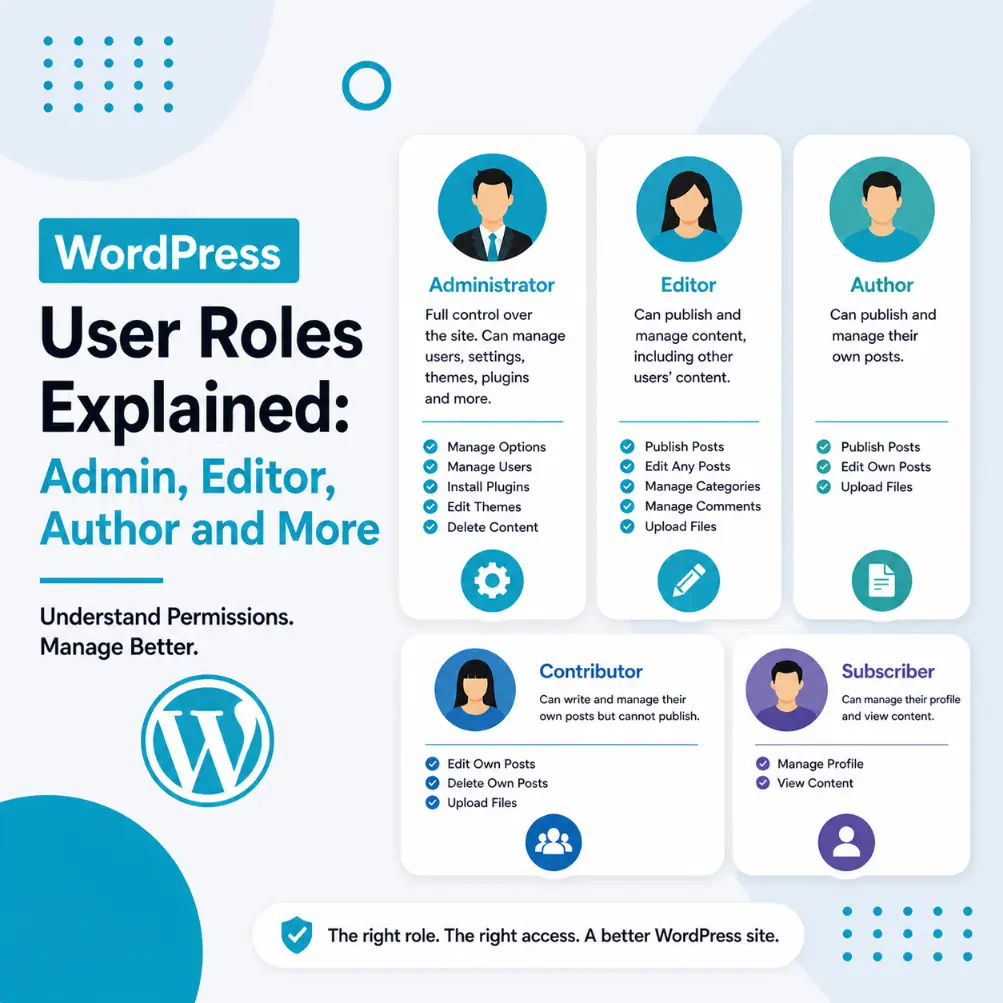
WordPress User Roles Explained: Admin, Editor, Author and More
Recent Posts Every person who has access to your WordPress site has a user role — a set of permissions that determines exactly what they can see and do in

Recent Posts Every person who has access to your WordPress site has a user role — a set of permissions that determines exactly what they can see and do in
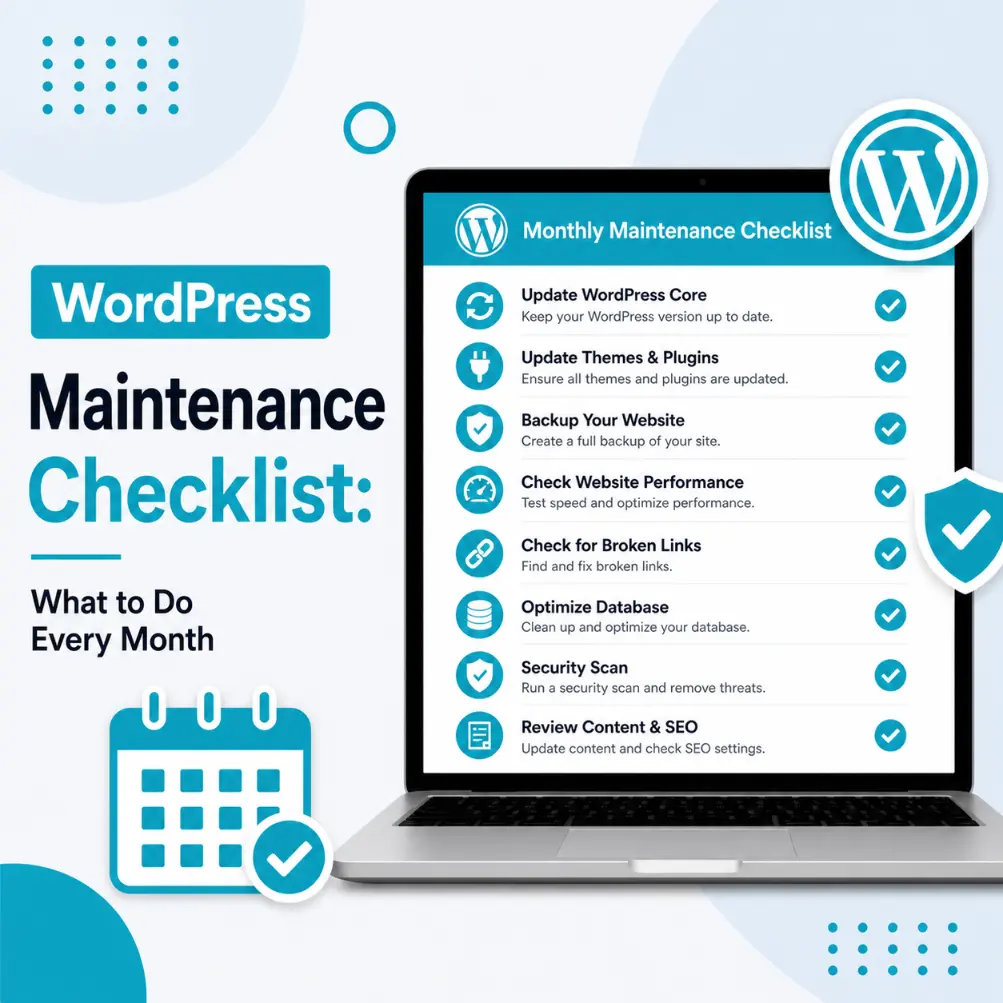
Recent Posts Most WordPress problems are preventable. The White Screen of Death, the hacked site, the broken checkout, the 404 errors — a large proportion of these issues trace back
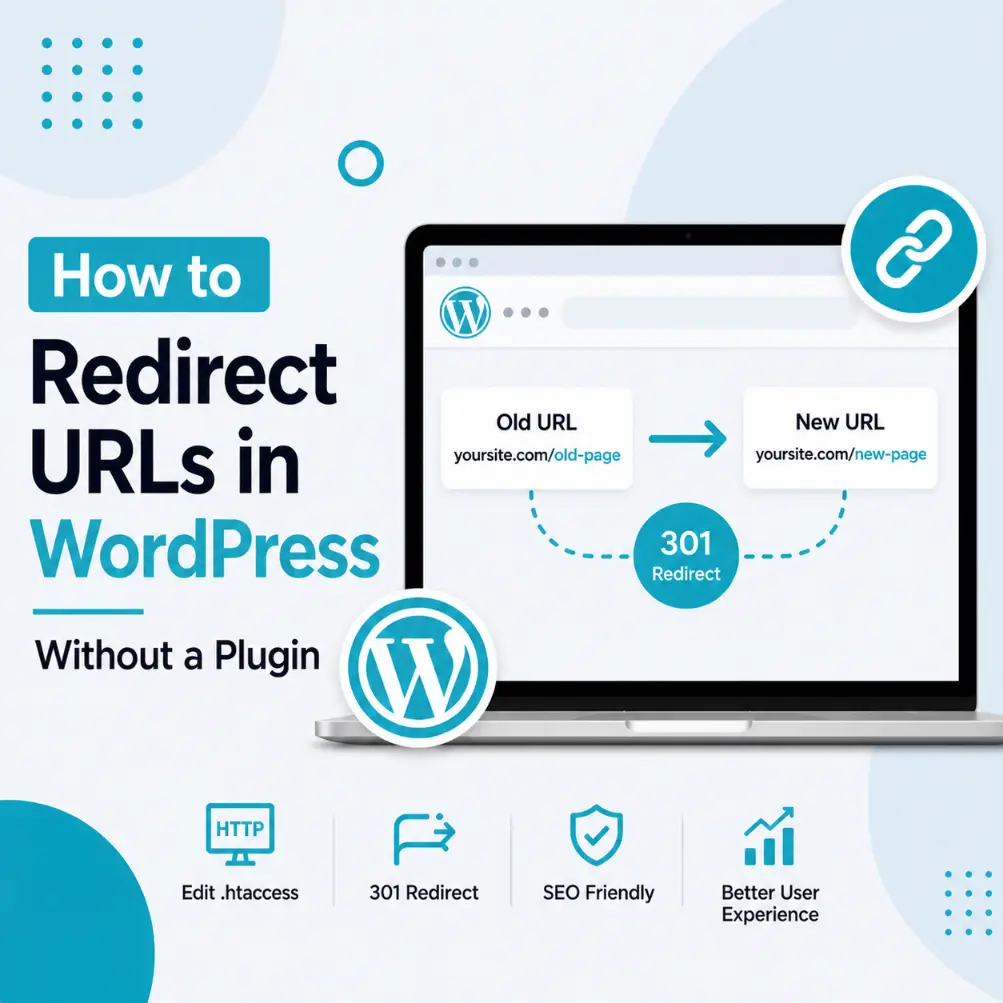
Recent Posts WordPress database connection error Every time you delete a page, change a post’s URL slug, restructure your site navigation, or migrate from an old domain, you create broken

Recent Posts There are few WordPress errors more alarming than this one: Error Establishing a Database Connection Your entire website goes blank. No homepage, no admin dashboard, nothing. Just that
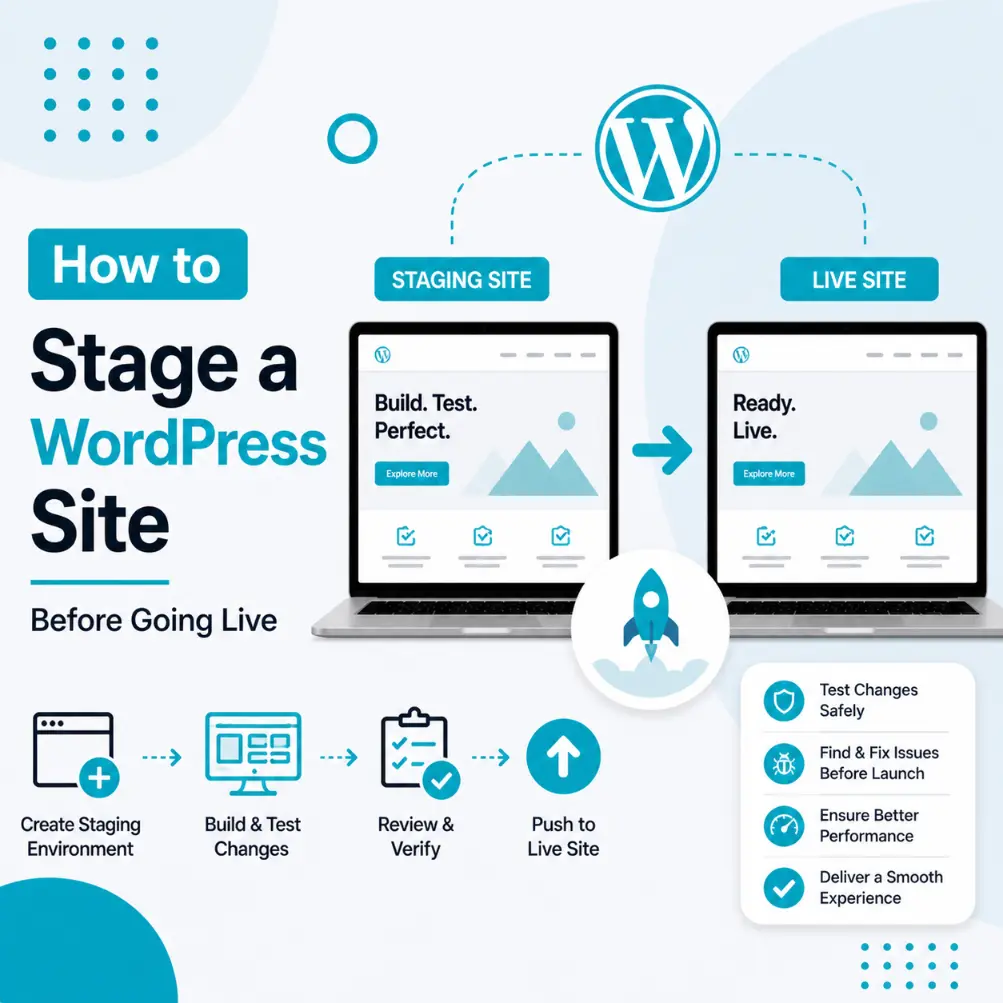
Recent Posts Imagine testing a plugin update, clicking save, and watching your live site break — with real customers seeing the error in real time. This is exactly the scenario
Recent Posts You’ve heard it a hundred times: back up your WordPress site. And yet, a significant proportion of WordPress site owners still don’t have reliable, tested, automated backups in
Recent Posts Over time, your WordPress database silently fills with data you no longer need — post revisions, expired transients, spam comments, plugin leftovers, abandoned sessions, and auto-drafts. None of
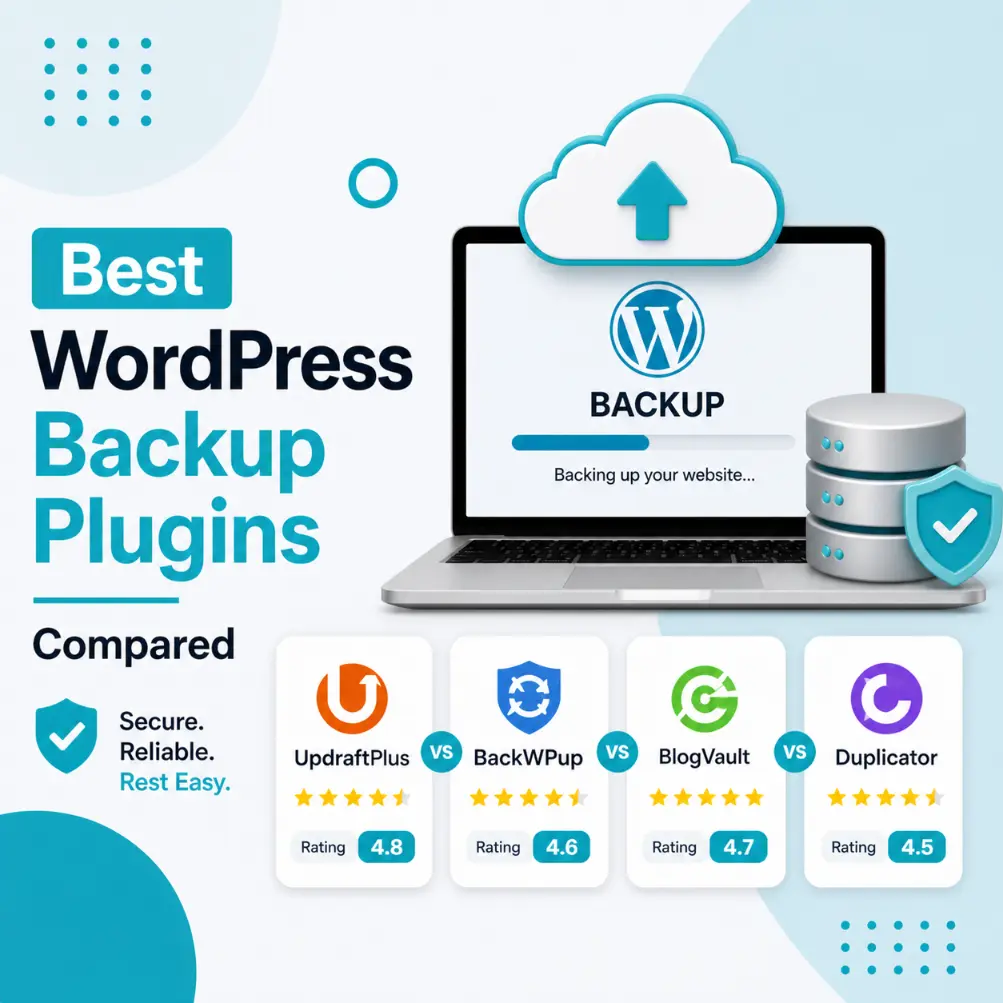
Recent Posts A WordPress backup plugin is your last line of defence when things go wrong — and things will eventually go wrong on any WordPress site. Plugin conflicts, failed